Samsung brings AirDrop support to Galaxy S26 series: How to transfer files to iPhone | Technology News
2 min readNew DelhiUpdated: Mar 23, 2026 02:44 PM IST
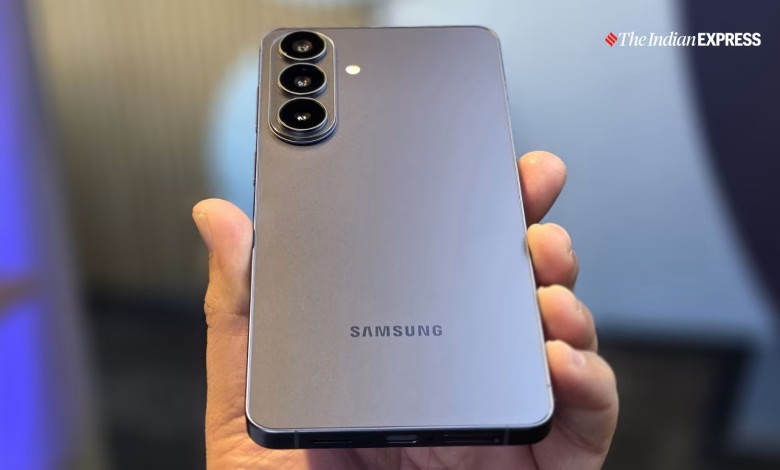
Samsung Galaxy users will soon be able to effortlessly share files with iPhone and Apple device owners as the South Korean smartphone maker has announced that its Quick Share feature will support AirDrop.
AirDrop support on Quick Share is expected to be rolled out for compatible Galaxy phones and tablets through an upcoming update on March 23, 2026. The list of compatible devices include Samsung Galaxy S26, Galaxy S26+, and the Galaxy S26 Ultra.

To begin with, Samsung is making the software update available in select countries and markets, including Europe, Japan, Hong Kong, Latin America, North America, Southeast Asia, and Taiwan. The update is expected to reach users in other countries such as India soon after. “Availability and timing may vary by market,” Samsung said in a press release on Monday, March 23.
Samsung is the second Android smartphone brand to offer native AirDrop support on its devices. A few months ago, Google announced that it is adding AirDrop support to Quick Share on Pixel devices. The update was initially only available for Pixel 10 series and later expanded to the Pixel 9 series as well.
As native AirDrop support for Android devices expands, it could enable millions of iPhones, Pixels, and Galaxy devices to share files and other multimedia with each other. This probably includes iPad and Mac users as well.
How to share files between Galaxy S26 and iPhone
For Galaxy S26 users:
– Go to Settings > Quick Share
– Turn on “Share with Apple devices”
– Set visibility to “Everyone for 10 minutes”
For iPhone users:
– Enable AirDrop
– Set it to “Everyone for 10 minutes”
To share a file from Galaxy S26 to iPhone:
Story continues below this ad
– Open the file on your Galaxy device
– Click on Quick Share
– Select the iPhone from the list
– Accept the transfer on the iPhone