
This Rs 1,600 ‘Apple Pencil’ alternative works with any smartphone or tablet, even my decade-old iPad Air | Technology News
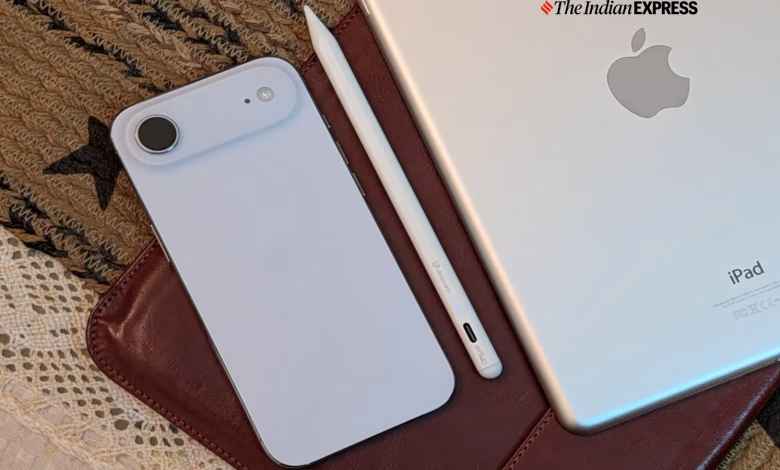
When I was growing up, I was always intrigued by devices that supported a stylus, especially Personal Digital Assistants (PDAs), which were everywhere in the ’90s. They were the flagships of their time, aimed at business executives. The idea of a stylus was simple: it let users interact with the interface, take notes on the go, and sketch. It was a very different time.
However, over the years, the stylus evolved, and in the 2010s, it started to go mainstream. I remember that when I was in university and began freelance writing, the first device I extensively covered was the Samsung Galaxy Note. Then came the Apple iPad and the Microsoft Surface Pro, which helped standardise stylus support. While very few phones support styluses today, tablets seem to be increasingly embracing them, and it’s now common to see even entry-level slates offering Pencil support.

But for me, the Apple Pencil remains the gold standard, as it is one of the most advanced styluses for note-taking, drawing, and editing. However, it doesn’t come cheap, is available in multiple variations, and is locked into the Apple ecosystem. It also works only on the iPad, not on iPhones.
Sure, there are third-party alternatives to the Apple Pencil. I found a universal stylus that works across multiple tablets and phones, and doesn’t require Bluetooth pairing. It even works with my iPad Air that I bought in 2014. I gave the UltraProlink Jot Pencil 2 a shot to see whether it’s actually as useful as it claims to be. Here’s my review.
What: UltraProlink Jot Pencil 2 | Price: Rs 1600
Looks awfully similar to an actual Pencil
The Jot Pencil 2 feels familiar at first and reminds me of my time using the Apple Pencil 2. This “affordable” stylus comes in all-white and features a matte plastic design that makes it easier to grip. The Jot Pencil 2 feels very natural to hold. Its slim, cylindrical shape is reminiscent of a traditional pencil, and the flat edges provide an even more secure grip.
It’s also quite lightweight, without feeling cheap or flimsy, something one might not expect from a stylus priced under Rs 2000. There are no buttons on the pencil, which makes it look and feel uncluttered. I also liked the balance of the Pencil; it is just right and centred enough not to drag down my hand.
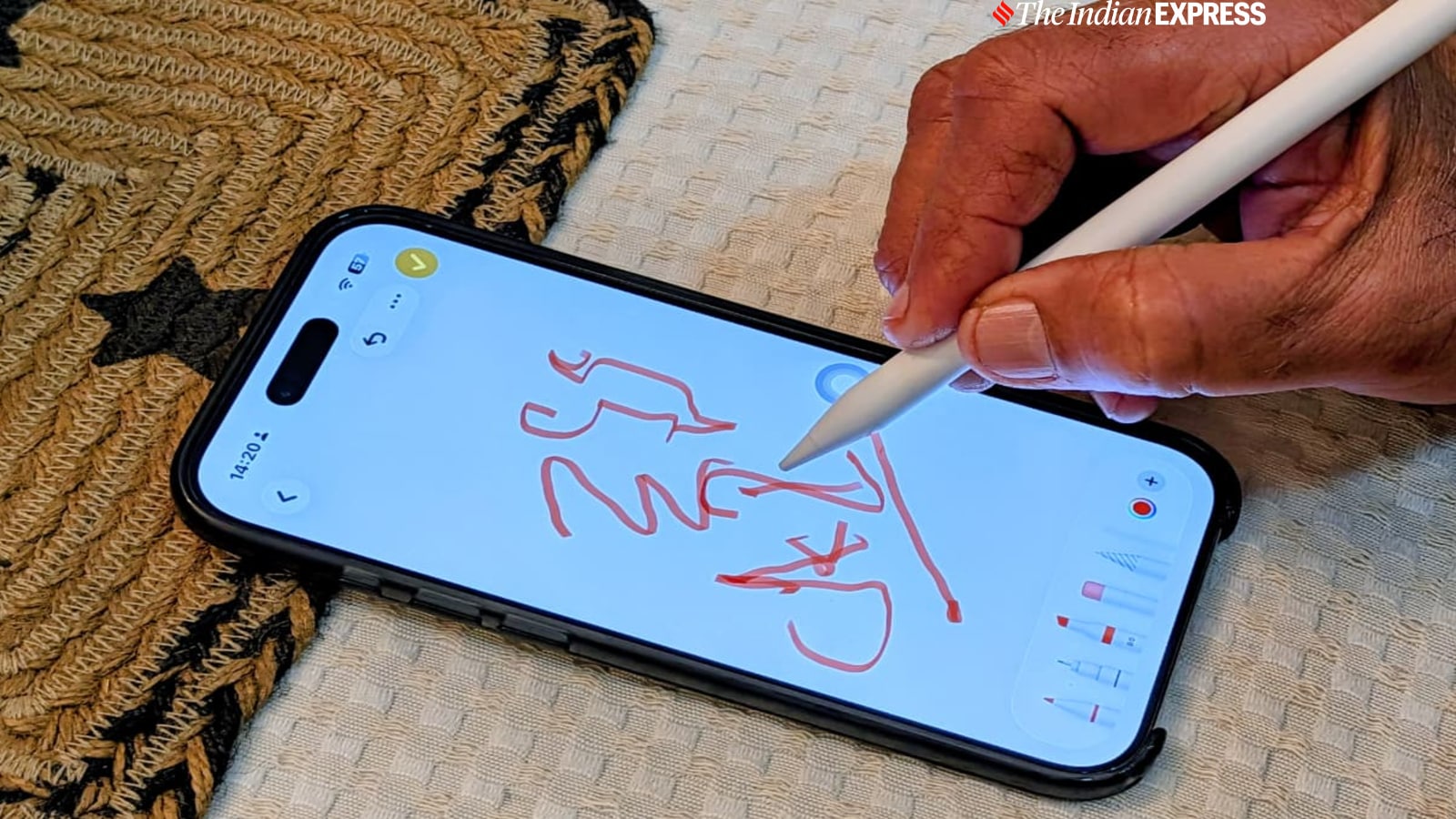 The Jot Pencil 2 works with all smartphones and tablets. I tried the stylus with my iPhone Air. (Image credit: Anuj Bhatia/Indian Express)
One thing I did not expect from the Jot Pencil 2 was the magnetic support. It latches onto the iPad, doubling as a storage solution. It’s neat, and no other stylus in the budget category offers this, but it lacks the wireless charging that the Apple Pencil 2 supports. No hard feelings, though.
Story continues below this ad
The Jot Pencil 2 features interchangeable 1.5mm POM tips (two spares included) that offer a smooth yet responsive glide on glass screens. However, replacement nibs are proprietary, so they must be bought directly from the brand.
The battery life of the Jot Pencil 2 is one of its standout features, lasting for hours. After days of note-taking and drawing, it still keeps going strong. In total, the battery lasts up to 10 hours on a single charge, assuming the stylus is not used continuously for more than 30 minutes at a stretch. Charging is done via USB-C, with a full charge taking around 30 minutes. The LED indicators show power and battery status, but they can be hard to see in bright light.
The stylus doesn’t require tapping or holding down a plastic nib. The Jot Pencil 2 has a physical power button; you press it once to turn it on and again to turn it off. I found this much more convenient.
Simplistic, but it lacks many features that premium styluses offer
My experience with the Jot Pencil 2 has been mostly positive, acknowledging both its strengths and weaknesses. First things first: the Pencil 2 does not require Bluetooth pairing, nor does it depend on a companion app. In fact, there is no setup process, which surprised me when I began using it. I simply tapped on the eraser end of the stylus and immediately started using it. There is no learning curve whatsoever.
Story continues below this ad
Perhaps what drew me to the Pencil 2 is that it works across a wide range of devices, including smartphones and tablets. I can confirm that the stylus worked with the Google Pixel 10 Pro XL, iPad Air, Nothing Phone (3), OnePlus Tablet, and even my decade-old iPad Air. This means it works with most modern smartphones and tablets, though it struggles with foldable devices like the Pixel 10 Pro Fold. Its strength is that it works with a wide range of smartphones and tablets, unlike the Apple Pencil, which only works with iPads, or the S Pen, which is limited to Samsung tablets.
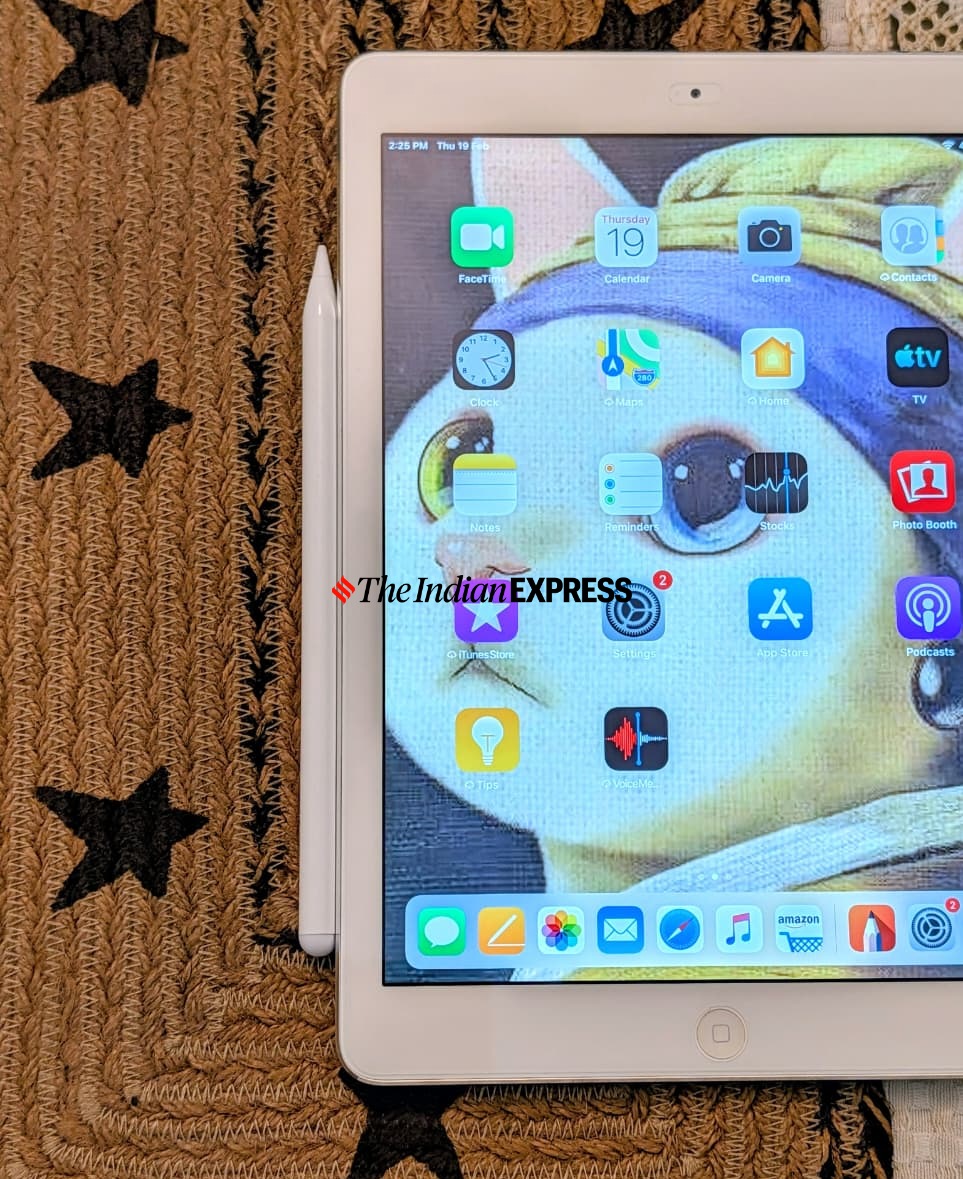 The Jot Pencil 2 can be magnetically attached to the iPad. (Image credit: Anuj Bhatia/Indian Express)
One might wonder whether the stylus works as advertised or comes close to the experience of the Apple Pencil 2. For me, though, the Jot Pencil 2 takes a simplistic approach, rather than aiming for the level of precision and fluidity that makes digital art and note-taking feel next-level.
There is no golden metric to test a stylus, but over the years, I have figured out that a modern stylus can be measured by several factors: how precise it is (accuracy), how responsive it is when jotting down a quick note or sketching, the pressure sensitivity where applying different levels of pressure yields varying line thickness and opacity for a natural drawing experience, and features like palm rejection.
To be clear, the Jot Pencil 2 isn’t a pressure-sensitive stylus, and it lacks tilt-based shading that serious artists and designers look for. Speaking of palm rejection, I would say it depends more on the device and app support than on the stylus itself.
Story continues below this ad
It’s worth noting that, despite these drawbacks, the Jot Pencil 2 has become indispensable to me. Whether I am jotting down a quick note or sketching, there’s no discernible lag, which is surprisingly good for a stylus that costs only Rs 1,600.
The stylus is wonderfully responsive, and in everyday use, I noticed no lag. It lays down accurate lines, which is exactly what a stylus should do. Drawing in the Notes app on the Pixel 10 Pro XL was seamless, and it also works with apps like Apple Notes and GoodNotes. The stylus is compatible with PDF files and Google Docs.
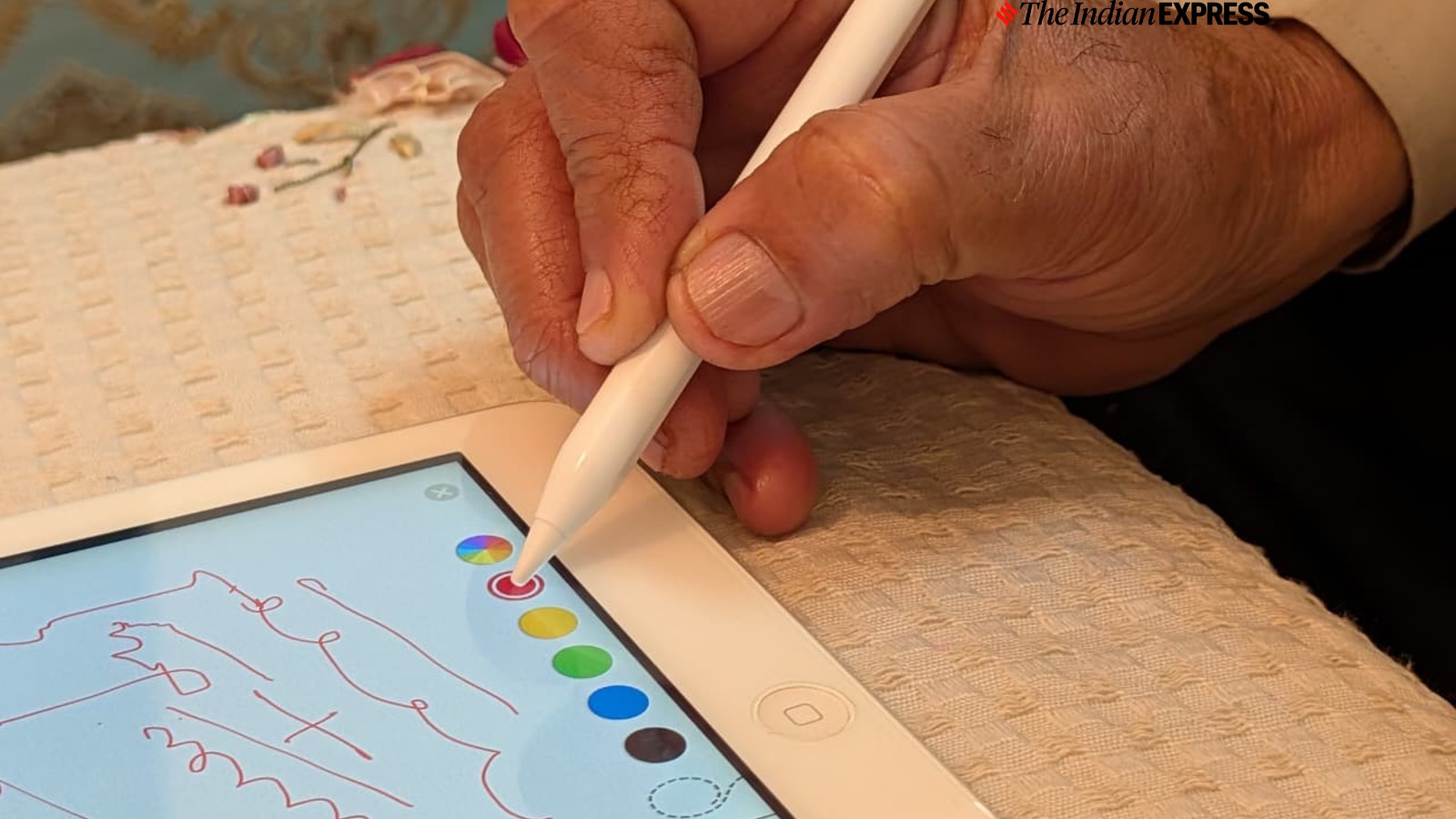 The Jot Pencil 2 can last up to 10 hours, with a full charge taking just 30 minutes. (Image credit: Anuj Bhatia/Indian Express)
So, should you buy the UltraProlink Jot Pencil 2?
The Jot Pencil 2 is aimed at school kids, with its main focus on helping them take notes and highlight PDFs rather than training them to be artists. That’s the whole point of an affordable stylus, and the Pencil 2 excels at it. Its lack of advanced features, such as shortcut gestures and customisable buttons, is very evident, and I feel Apple does it best by integrating both hardware and software.
If you are looking for a budget-friendly stylus to use with your smartphone or tablet for note-taking or sketching and are happy working with standard note-taking and drawing apps, the Jot Pencil 2 is a winner, hands down.


